Duck Bowling
A downloadable game for Windows, macOS, and Linux
What is this?
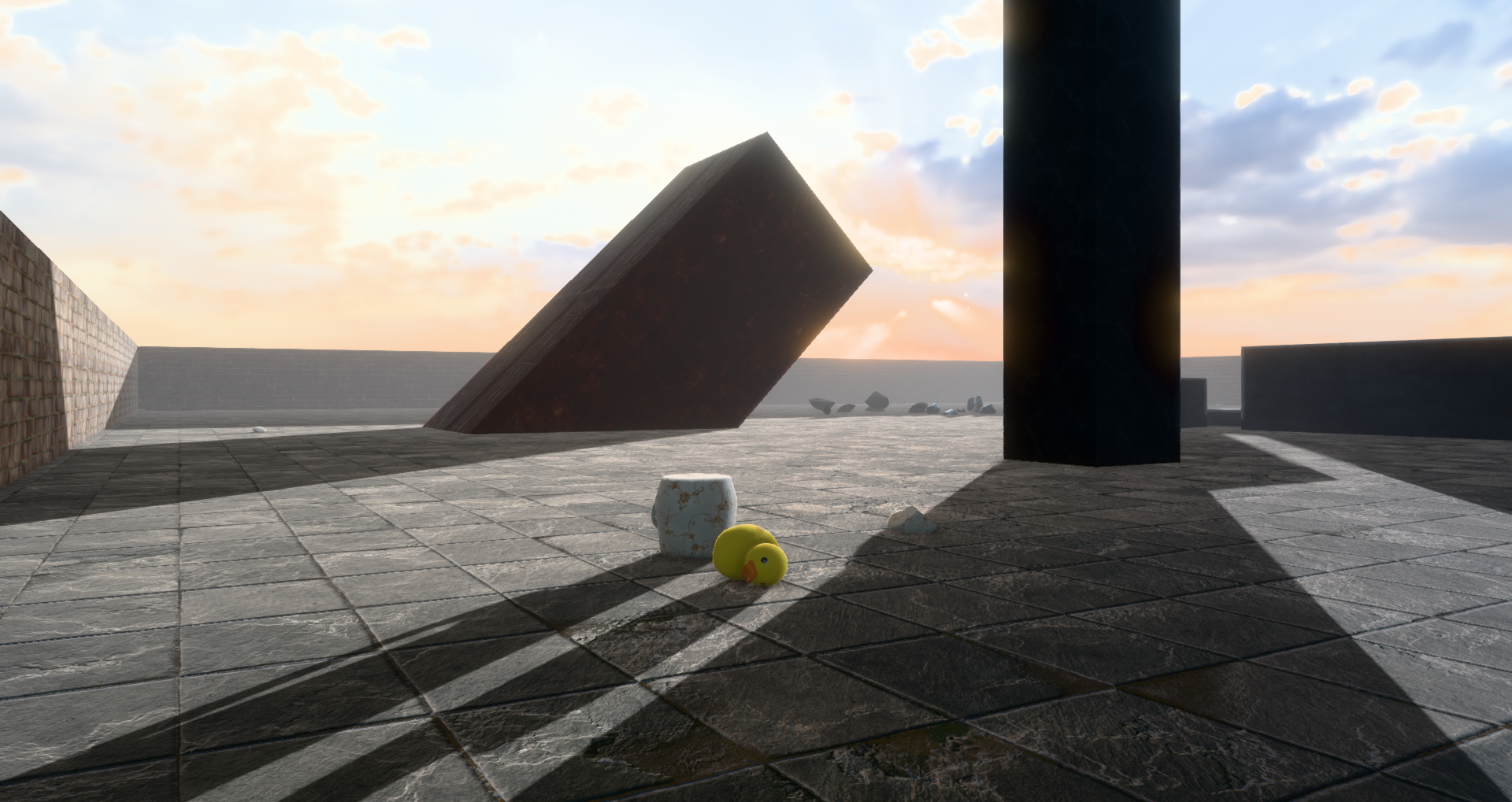
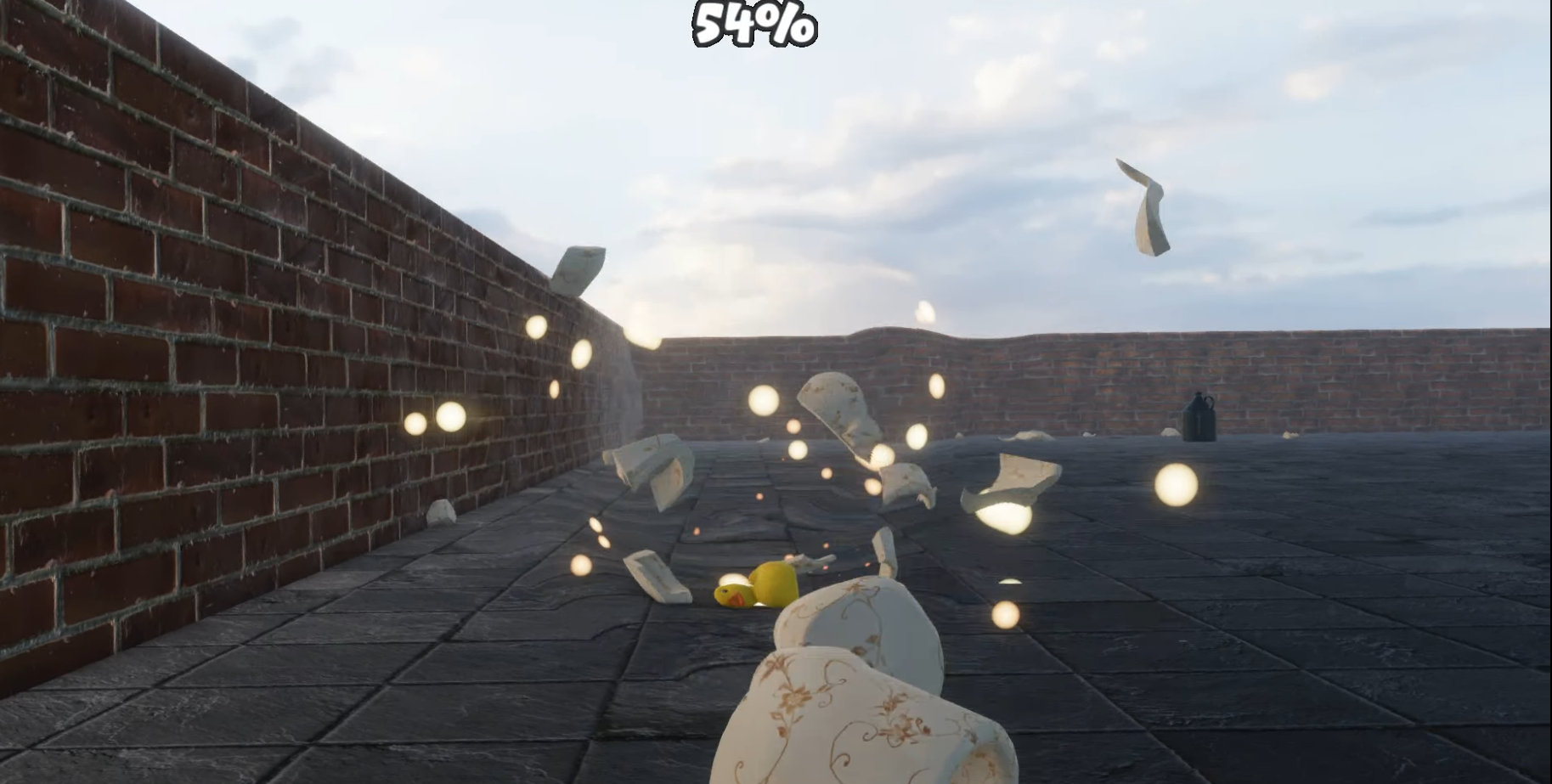
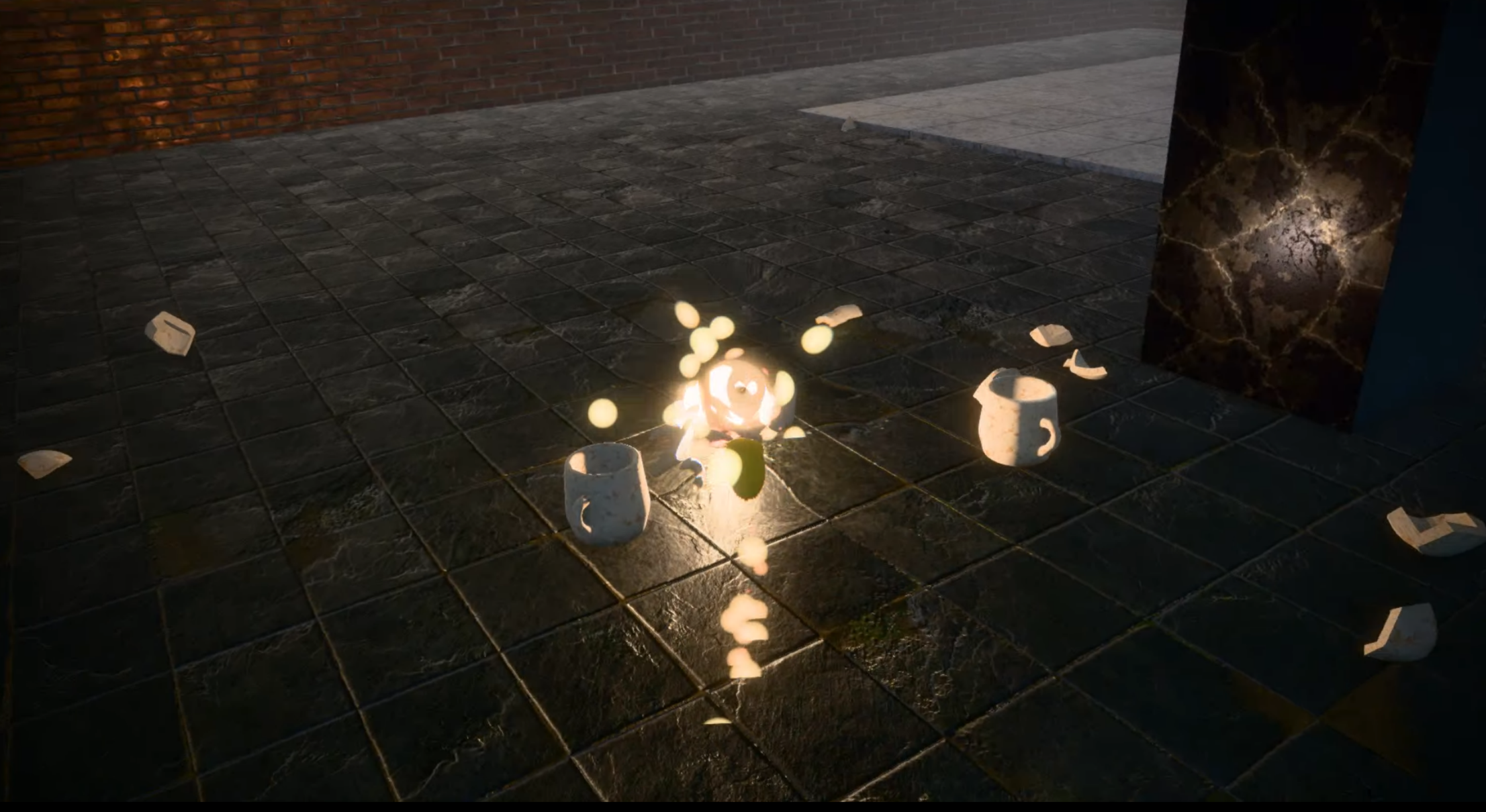
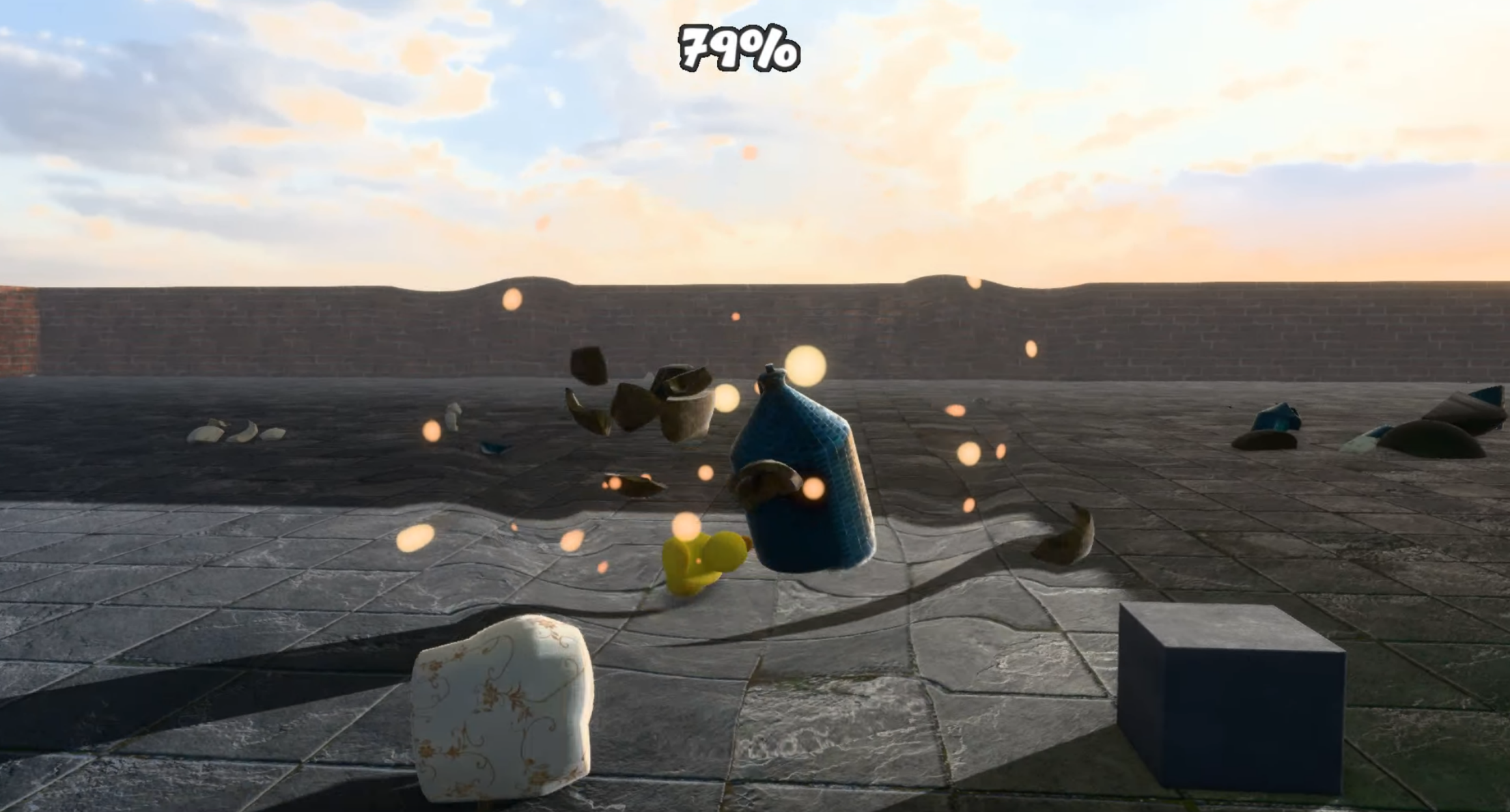
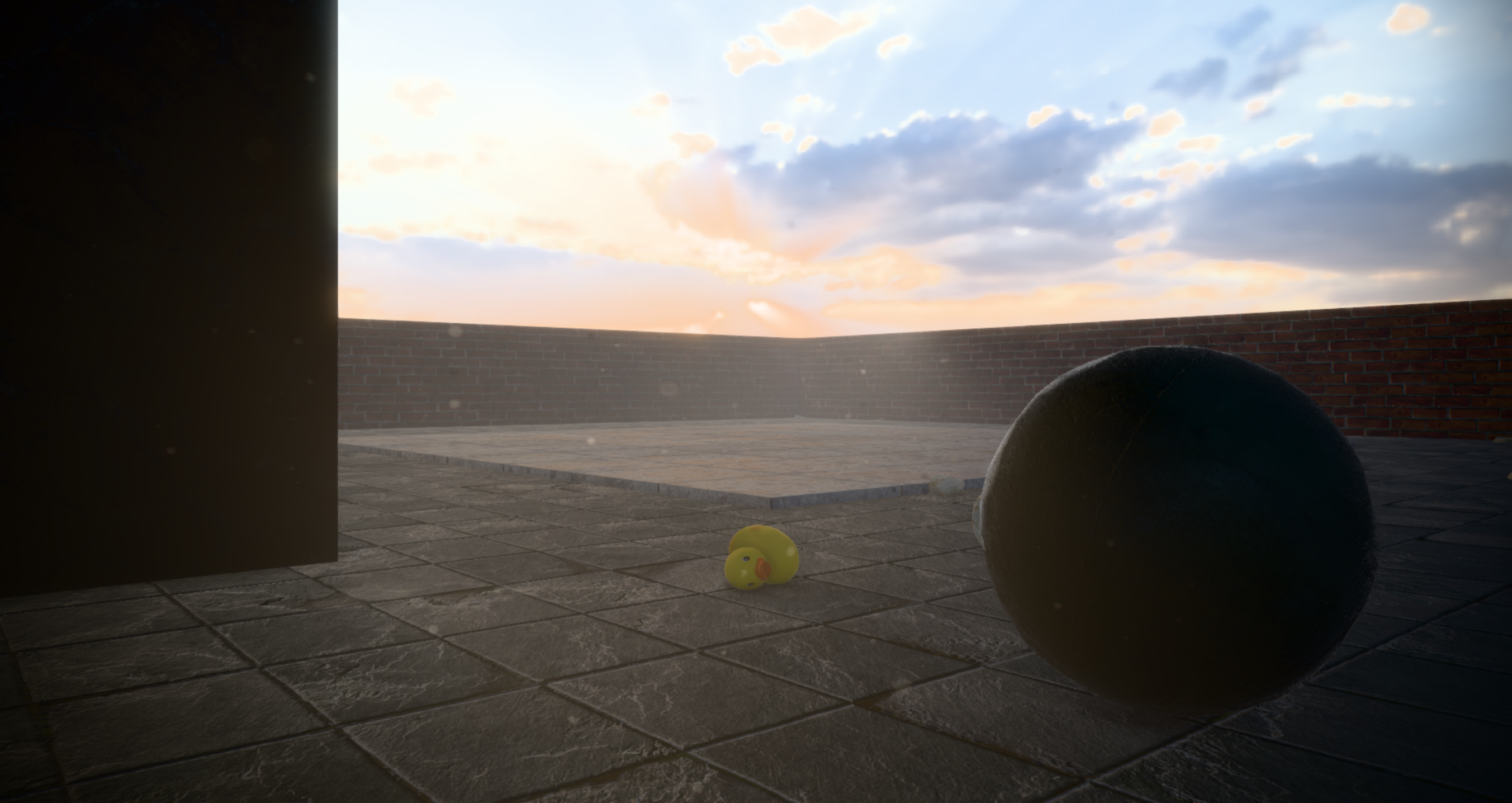
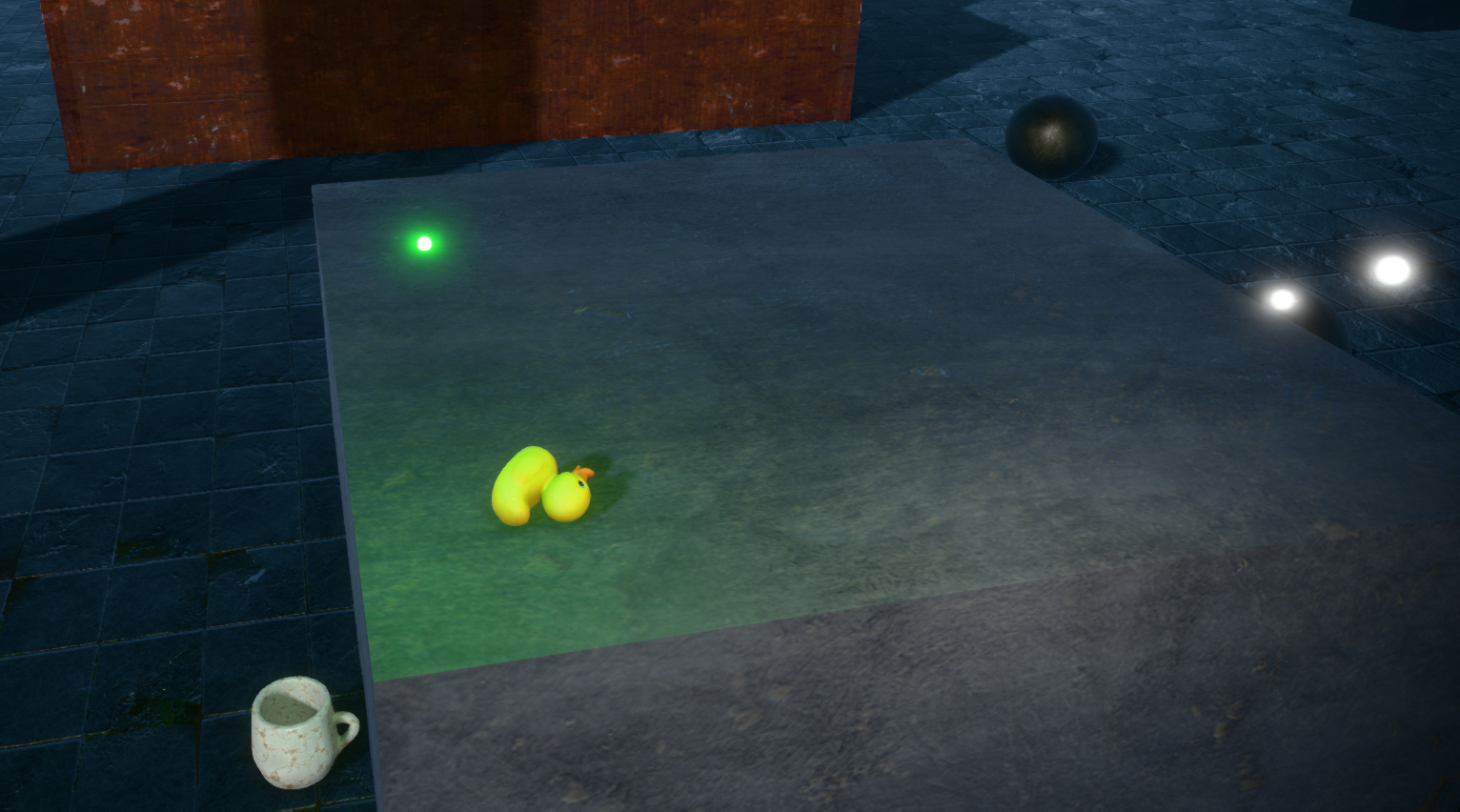
Duck Bowling is a physics based game where you play as a duck destroying various ceramic items. It is intended mainly as a tech demo for my OpenGL renderer, which most of the development time was spent on.
How to play:
- Use WASD and space to move and jump.
- Press E to dash.
The goal is to clear all the levels of anything moving as fast as you can!
Notice:
Please read the GUIDE.md attached to your download before playing!
Technical Details:
This game was made from scratch using C++ and OpenGL, using GLAD for the gl context and GLFW for the window and input. SoLoud was used for 3D audio, and JoltPhysics for the physics engine.
The renderer itself features PBR rendering, IBL, HDR tonemapping (Khronos PBR Neutral & ACES), anti-aliasing (FXAA), PBR bloom, deferred/forward hybrid rendering, SSAO and cascading shadow maps, as well as various postprocessing fx.
As for the actual engine, it supports GLTF model loading, basic skeletal animation, JSON scene loading, frustum culling and flow field pathfinding with static quadtree generation.
Source Code:
Download
Install instructions
Windows and Linux:
On Windows, simply extract the zip or 7z folder and run the executable.
Likewise, on Linux just extract the archive and run the AppImage. You may need to give the AppImage extra permissions before running. This can be done as follows:
tar -xvzf Duck_Bowling-Linux.tar.gz
cd Duck_Bowling-Linux
chmod +x ./Duck_Bowling-x86_64.AppImage
# run it
./Duck_Bowling-x86_64.AppImage
Note that the game might take a few moments to start up. If you get a message saying "window is unresponsive" or something similar don't worry, it's just loading the assets. If you want to see the progress, launch it from the terminal.
MacOS:
On MacOS, you can choose to either install it using homebrew or by downloading the AppImage (DuckBowling-MacOS26.zip). However be aware that the AppImage may only work on MacOS 26 (Tahoe). If you encounter issues with the AppImage, please try installing and running via homebrew. Using homebrew:
# tap using brew
brew install zibuyin/duckbowling/duckbowling
# run it
duckbowling
Note: This only works on Apple Silicon Macs, not x64!
Leave a comment
Log in with itch.io to leave a comment.